

“How long will it take?” is one of the first questions most business owners ask before starting a website project, and fair enough, you’re often eager to get online and start generating leads. The honest answer is: it depends on the project, but here’s a realistic breakdown of what the process looks like and where the time actually goes. Step 1: Planning and Discovery (1–2 Days) Before any design work starts, it’s worth nailing down the basics: what pages you need, what action you want visitors to take, and what content (text, images, logo) you can provide. Projects move much faster when this information is ready upfront rather than figured out mid-build. Step 2: Design (2–4 Days) This is where the look and feel of your site comes together, layout, colours, fonts, and structure. For most small business sites, this stage moves quickly once the planning is locked in. Custom designs or larger sites naturally take longer than simpler ones. Step 3: Development (3–5 Days) This is the bulk of the build: turning the design into a working, mobile-responsive website, setting up contact forms, and adding any extra functionality like WhatsApp integration or booking systems. eCommerce sites take longer here, since product uploads and payment setup add time. Step 4: Review and Revisions (1–2 Days) You’ll get a chance to go through the site, request changes, and make sure everything matches what you had in mind before it goes live. Step 5: Launch (1 Day) Once everything is approved, the site goes live. This includes final checks on speed, mobile responsiveness, and that all forms and links are working correctly. So, Realistically: How Long Does It Take? For most small business websites (4–10 pages), the full process typically takes 5–10 working days from kickoff to launch. Simple 1–3 page sites can move faster, while eCommerce stores or custom funnels with advanced integrations usually take longer, often 2–3 weeks depending on complexity. What Slows a Website Project Down In practice, the biggest delays usually aren’t on the agency’s side, they’re waiting on content. Projects move fastest when the client has their logo, text, and images ready to go from day one. If you don’t have these yet, a good agency should be able to help you put together placeholder content so the build doesn’t stall. Ready to Get Started? Most of our website projects launch within 5–10 working days. Get in touch to discuss your project and timeline, or browse our pricing packages to see what fits your business.
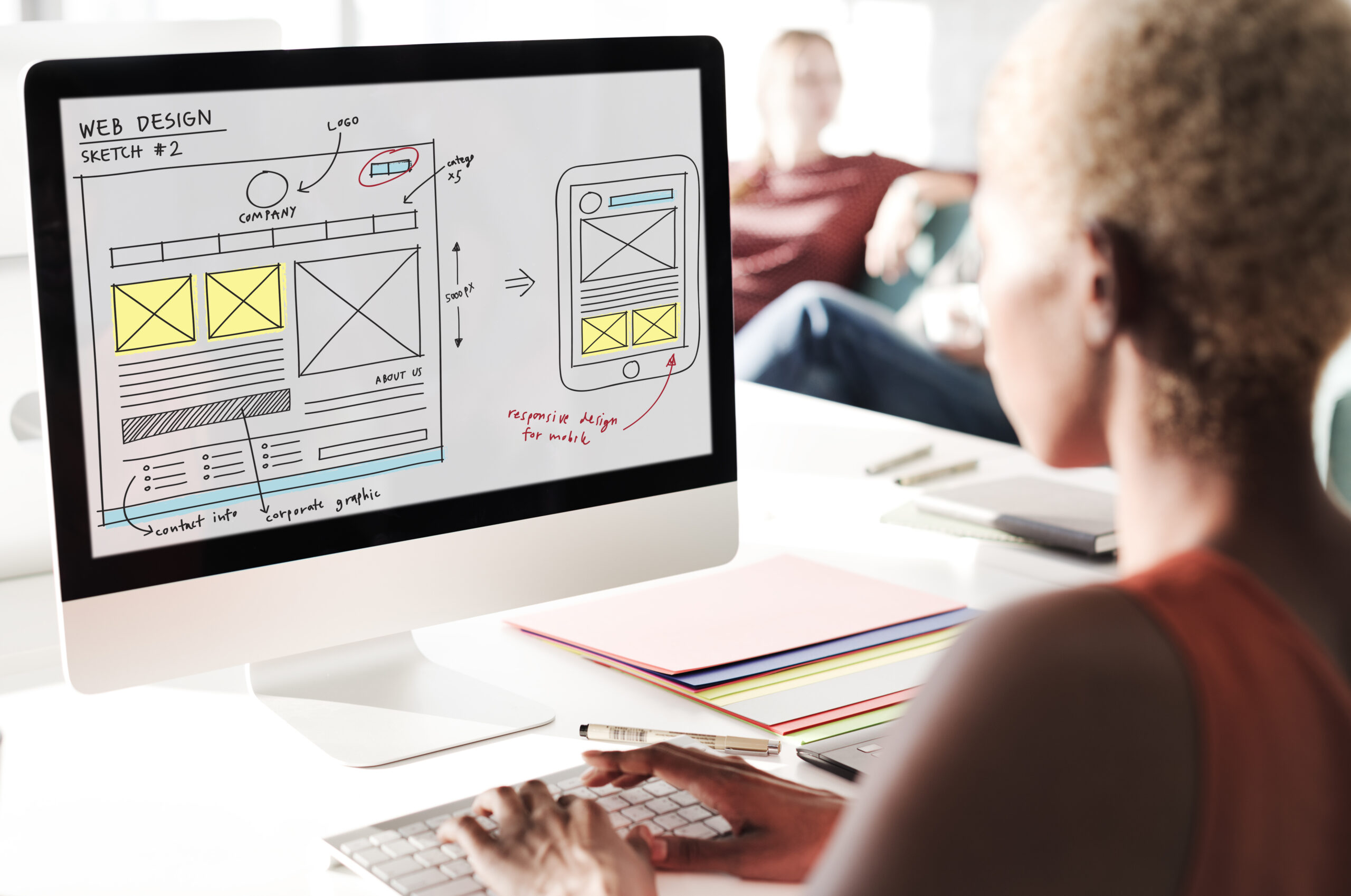
WordPress vs. Website Builders: What’s Best for a Small Business?
When you’re setting up a website, one of the first decisions is what platform to build it on. Two options come up constantly: drag-and-drop website builders (like Wix or Shopify) and WordPress. Both can produce a working website, but they’re built for different needs. Here’s how to think about the choice. What Website Builders Do Well DIY builders are designed for speed and simplicity. You can sign up, pick a template, and have something live the same day, no developer required. They’re a reasonable option if you need a very basic site fast and don’t expect to need much beyond that. The trade-off is flexibility. As your business grows and you need custom functionality, specific integrations, or more control over SEO and site speed, builders can start to feel restrictive. You’re also tied to that platform; if you ever want to move your site elsewhere, it’s rarely a clean export. What WordPress Does Well WordPress powers a large share of the websites on the internet, partly because it’s flexible enough to handle almost anything: a simple business site, a full eCommerce store, a booking system, or a custom sales funnel. With the right setup, it gives you: The trade-off is that WordPress generally needs a developer or agency to set up properly, especially if you want it to look professional and load quickly. Done badly, a WordPress site can actually be slower than a builder site, the platform itself isn’t the issue, the build quality is. So Which Should You Choose? If you need a basic placeholder site today and don’t plan to invest further, a builder can get the job done. But if you’re serious about your website actually generating leads, ranking on Google, and growing with your business over the next few years, WordPress, built properly, generally gives you a stronger long-term foundation. How We Build on WordPress We build all our client websites on WordPress using professional tools like Elementor, which gives us the flexibility to create fast, mobile-responsive, conversion-focused sites without the limitations of a builder. See our packages or get in touch to talk through what’s right for your business.

5 Signs Your Small Business Needs a Website (Not Just a Facebook Page)
A lot of small businesses in South Africa run entirely on a Facebook page, an Instagram account, and word of mouth. And for a while, that works. But there’s usually a point where it starts holding the business back instead of helping it grow. Here are five signs you’ve reached that point. 1. People Ask “Do You Have a Website?” If customers or potential clients are already asking this, it means your business has reached a level of credibility where a social media page alone isn’t enough anymore. Not having a website at this stage can quietly cost you trust, even if your product or service is excellent. 2. You’re Losing Leads to Slower-Looking Competitors It’s frustrating, but true: a competitor with a clean, professional website can win the client even if your work is better. People judge legitimacy fast, often in the first few seconds of looking you up online. A solid website levels that playing field. 3. You Can’t Run Ads Properly Facebook and Instagram ads work best when they send people somewhere built to convert, a landing page with a clear offer and a contact form, not just your social profile. Without a website, you’re limited in how effectively you can turn ad spend into actual enquiries. 4. You’re Manually Repeating the Same Information If you find yourself typing out the same answers to “what do you offer,” “what are your prices,” or “how do I book,” over and over in DMs and WhatsApp chats, a website can do that work for you automatically, and free up your time for actual business. 5. You Want to Be Found on Google Social media platforms don’t help much when someone searches “[your service] near me” on Google. A website with basic SEO gives you a chance to show up in those searches, where social pages generally don’t. What This Means for You None of this means social media isn’t valuable, it’s often where you build relationships and trust. But a website does a different job: it converts that visibility into actual enquiries, bookings, and sales, 24/7, even while you’re not actively posting. Thinking It Might Be Time? We build mobile-friendly, conversion-focused websites for small businesses across South Africa, starting at R2,500. Get in touch and we’ll help you figure out what makes sense for where your business is right now.

How Much Does a Website Cost in South Africa? (2026 Pricing Guide)
If you’ve started shopping around for a website, you’ve probably noticed something frustrating: prices for “a website” can range from R500 to R50,000, with no clear explanation of why. That gap makes it hard to budget, and it makes it easy to either overpay or end up with a site that doesn’t actually do its job. This guide breaks down what you should realistically expect to pay for a website in South Africa in 2026, and what drives the price up or down. What Affects the Cost of a Website Before looking at numbers, it helps to understand what you’re actually paying for. A few factors usually determine the final price: Typical Website Price Ranges in South Africa Based on current market rates, here’s roughly what to expect: Starter websites (1–3 pages): R2,500 – R4,000 Good for a basic online presence with a contact form and mobile-responsive design. Ideal if you mainly need credibility online and most business still comes through referrals or WhatsApp. Business websites (4–10 pages): R5,000 – R8,000 This is the sweet spot for most small businesses. Enough pages to properly explain your services, build SEO, and include social proof, without the cost of a full custom build. eCommerce websites: R8,000 – R15,000+ Covers an online store with product uploads, cart and checkout, and payment gateway integration. Price scales with how many products you’re listing and how custom the design needs to be. Custom sites or sales funnels: R12,000+ For businesses that need advanced integrations, marketing automation, or a website built specifically to convert ad traffic into leads. Why Cheaper Isn’t Always Better It’s tempting to go with whoever quotes the lowest price, but a very cheap website often comes with trade-offs: slow load times, poor mobile design, no SEO setup, or a site that’s never actually finished. A website that doesn’t generate enquiries isn’t saving you money, it’s costing you the leads you didn’t get. The real question isn’t “what’s the cheapest website?” It’s “what’s the cheapest website that will actually bring me business?” How to Budget for Your Website A good rule of thumb: treat your website as a lead-generation tool, not a one-off expense. If a R5,500 site brings you even one or two new clients a month, it pays for itself quickly. Ask any agency you’re considering what’s actually included, design, hosting, SEO basics, support, so you’re comparing like for like. Ready to Get Started? At AM-r Digital Solutions, our packages start at R2,500 for a starter site and scale up based on what your business actually needs, with no hidden extras. Get in touch for a quote, or check our full pricing breakdown.